ROBLOX AUTO-BATTLE PVP
Stick Wars.
Pick a stickman, watch the fight and build a roster for your next matchup.
Look for Stick Wars Official on the listing. Once inside, press PLAY and choose your first stickman.
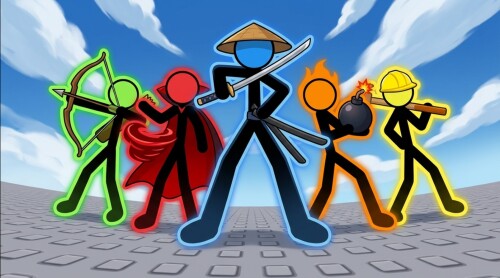
THE STICK WARS LINEUP
LISTED CODES
MASTERYSUPERCRATEBRAWLGEMRUSHCopy codes Choose your next move
PLAYER GUIDEINSIDE THE GAME
Find the Codes window.
Open Menu in the lobby and choose Codes. This is where you paste a code before pressing Redeem.
See the full steps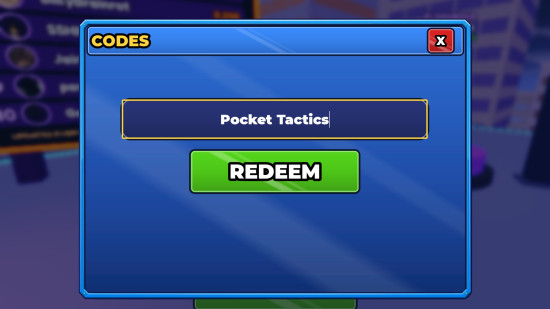
FIRST TIME IN THE ARENA?
Start with one fight.
Choose a starter by how it attacks. Once combat begins, your stickman fights automatically. Watch how often it reaches the opponent and check the remaining health when the match ends.
Compare the startersTROUBLE JOINING?
Check the game listing.
Use the official Roblox page to see the experience’s current availability. If prompted, sign in and open it in the Roblox app. After joining, select PLAY in the experience.
Open the Roblox listing